
Optional Windows 11 Update KB5089573 Delivers Noticeable Performance Improvements
Key Performance Improvements in KB5089573
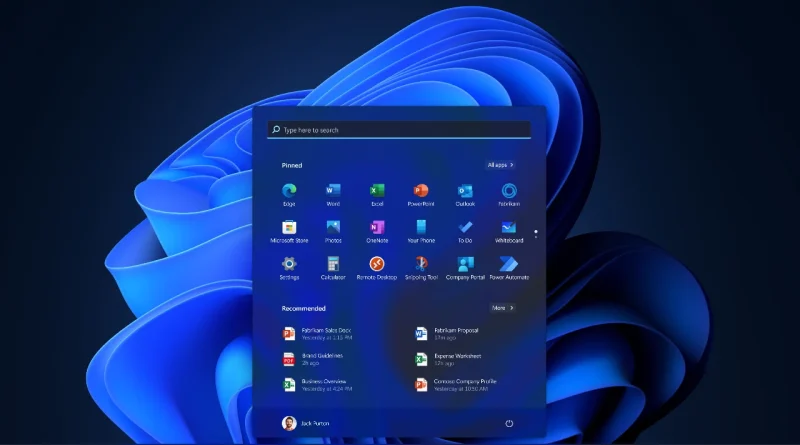
The performance improvements included in KB5089573 focus on several critical areas of the operating system. Users who have installed the preview update report faster file explorer operations, improved start menu responsiveness, and reduced latency when switching between applications. Microsoft has optimized memory management algorithms and refined background process handling, resulting in a smoother overall experience particularly noticeable on systems with limited RAM. The company has also addressed long-standing complaints about the search functionality, which now indexes and retrieves results more efficiently than in previous builds.
Addressing Long-Standing Windows 11 Criticisms
This update arrives at a crucial time for Microsoft, as the company faces increasing competition from alternative operating systems and growing user frustration with Windows 11’s initial performance issues. When Windows 11 launched in October 2021, many users complained about sluggish performance compared to its predecessor, particularly on older hardware that met the minimum system requirements. Microsoft has spent the past three years gradually addressing these concerns through regular updates, with KB5089573 representing one of the most substantial performance-focused patches to date. The update also includes improvements to the taskbar and notification center, which have been frequent targets of user criticism since the operating system’s debut.
Technical Optimizations Under the Hood
Technical analysts have examined the update’s changes and identified several key optimizations under the hood. The patch includes refinements to the NTFS file system driver, which improves read and write operations on both traditional hard drives and solid-state drives. Additionally, Microsoft has updated the DirectX components to better utilize modern GPU capabilities, resulting in improved performance in graphics-intensive applications and games. The Windows kernel has received attention as well, with optimizations to thread scheduling that allow the system to more efficiently distribute workloads across multiple processor cores, benefiting users with modern multi-core CPUs.
Security Enhancements and Release Strategy
Security researchers point out that although KB5089573 primarily targets performance improvements, it also incorporates several behind-the-scenes security upgrades that will be completely documented once the patch becomes mandatory. Microsoft’s method of releasing performance updates as optional previews enables the company to collect telemetry data and user feedback prior to deploying changes to the wider Windows user base. This approach has been successful in identifying potential problems before they impact millions of users, although it does result in cautious users who skip optional updates waiting weeks longer to benefit from the improvements.
Battery Life and Power Efficiency Gains
The update’s effect on battery life for laptop users has generated considerable interest. Initial reports indicate that the optimizations enhance performance while also contributing to modestly improved power efficiency, since the system spends reduced time in high-power states during routine operations. This combined advantage tackles two frequent Windows 11 criticisms at once, potentially making the update especially appealing for mobile users who depend on their laptops throughout the workday. Microsoft has traditionally found it challenging to match the power efficiency of rival platforms such as macOS, making these enhancements meaningful in the continuing battle for laptop users’ loyalty.
How to Install the Update
Users interested in installing KB5089573 can find it by navigating to Settings, then Windows Update, and clicking on “Check for updates” followed by “Download and install” under the optional updates section. Microsoft recommends that users back up important data before installing any system updates, though the preview has shown stability in testing environments. The company expects to release the final version of these improvements as part of the regular monthly security update cycle, at which point all Windows 11 users on supported versions will receive the enhancements automatically. For those willing to install the preview, the performance gains appear substantial enough to justify the minor risk associated with running pre-release software.